
Wake-On-Lan Dashboard
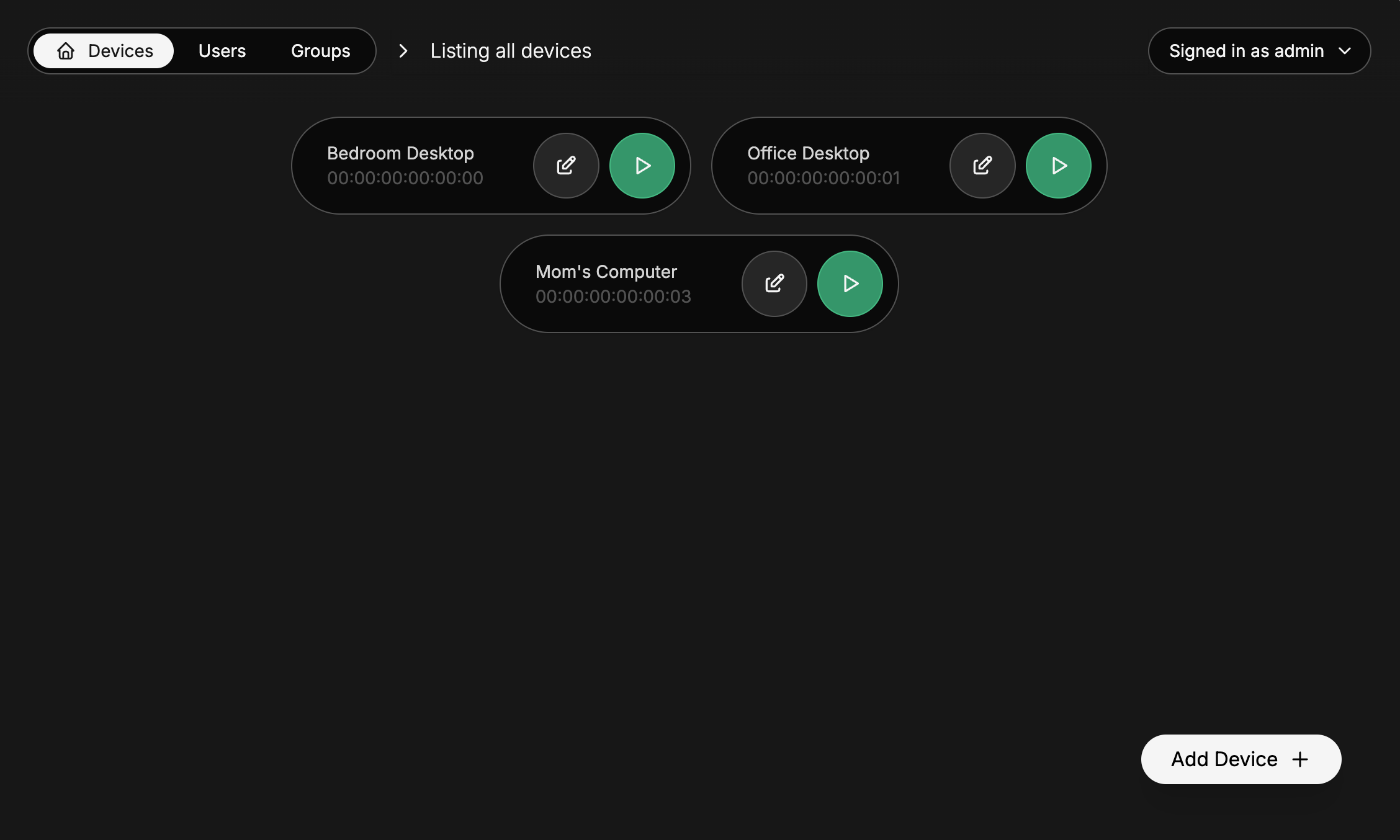
Features
- Send magic packets to any device on the network on which the panel is hosted to wake them up
- If necessary, customize broadcast IP, port and the amount of packets sent
- Users management and groups management with device access based on user permissions or on group permissions
Configuration
Copy and rename .env.example to .env and customize it to your needs.
The different options are docummented directly in .env.example.
Usage
The easy way - building and running on the same machine
Node version < 20.6 - Run:
npm run buildnpm i dotenvnode -r dotenv/config build
Node version >= 20.6 - Run:
npm run buildnode --env-file=.env build
The longer way - building and running on different machines
Use this if like me, you'll be running this on an old Android phone running Termux that stays at your home
On the Builder machine
Run npm run build
Then, copy /data, /build, package.json, package-lock.json and .env into a folder on the runner machine.
On the Runner machine
In the folder in which you copied the files:
Node version < 20.6 - Run:
npm ci --omit devnpm i dotenvnode -r dotenv/config build
Node version >= 20.6 - Run:
npm ci --omit devnode --env-file=.env build
Original Usecase
I made this to turn on my gaming computer remotely when I'm away, and play it from Parsec on my laptop :3