# Wake-On-Lan Dashboard
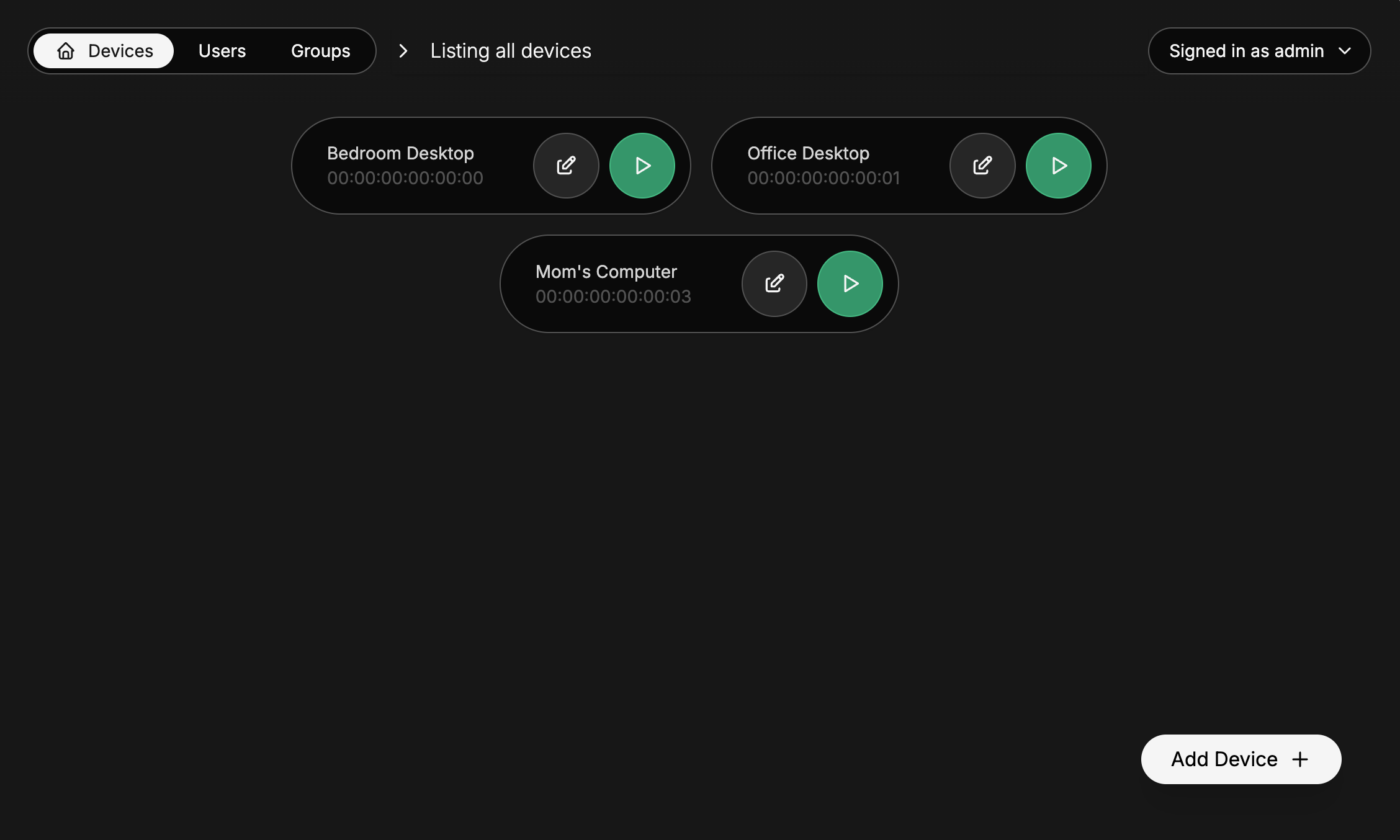
## Features
- Send [magic packets](https://en.wikipedia.org/wiki/Wake-on-LAN#Magic_packet) to any device on the network on which the panel is hosted to wake them up
- If necessary, customize broadcast IP, port and the amount of packets sent
- Users management and groups management with device access based on user permissions or on group permissions
## Configuration
Copy and rename `.env.example` to `.env` and customize it to your needs.
The different options are docummented directly in [`.env.example`](.env.example).
## Usage
The easy way - building and running on the same machine
**Node version < 20.6** - Run:
- `npm run build`
- `npm i dotenv`
- `node -r dotenv/config build`
**Node version >= 20.6** - Run:
- `npm run build`
- `node --env-file=.env build`
The longer way - building and running on different machines
> Use this if like me, you'll be running this on an old Android phone running Termux that stays at your home
### On the Builder machine
Run `npm run build`
Then, copy `/data`, `/build`, `package.json`, `package-lock.json` and `.env` into a folder on the runner machine.
### On the Runner machine
In the folder in which you copied the files:
**Node version < 20.6** - Run:
- `npm ci --omit dev`
- `npm i dotenv`
- `node -r dotenv/config build`
**Node version >= 20.6** - Run:
- `npm ci --omit dev`
- `node --env-file=.env build`
## Original Usecase
I made this to turn on my gaming computer remotely when I'm away, and play it from Parsec on my laptop :3